
Feature
Panorama
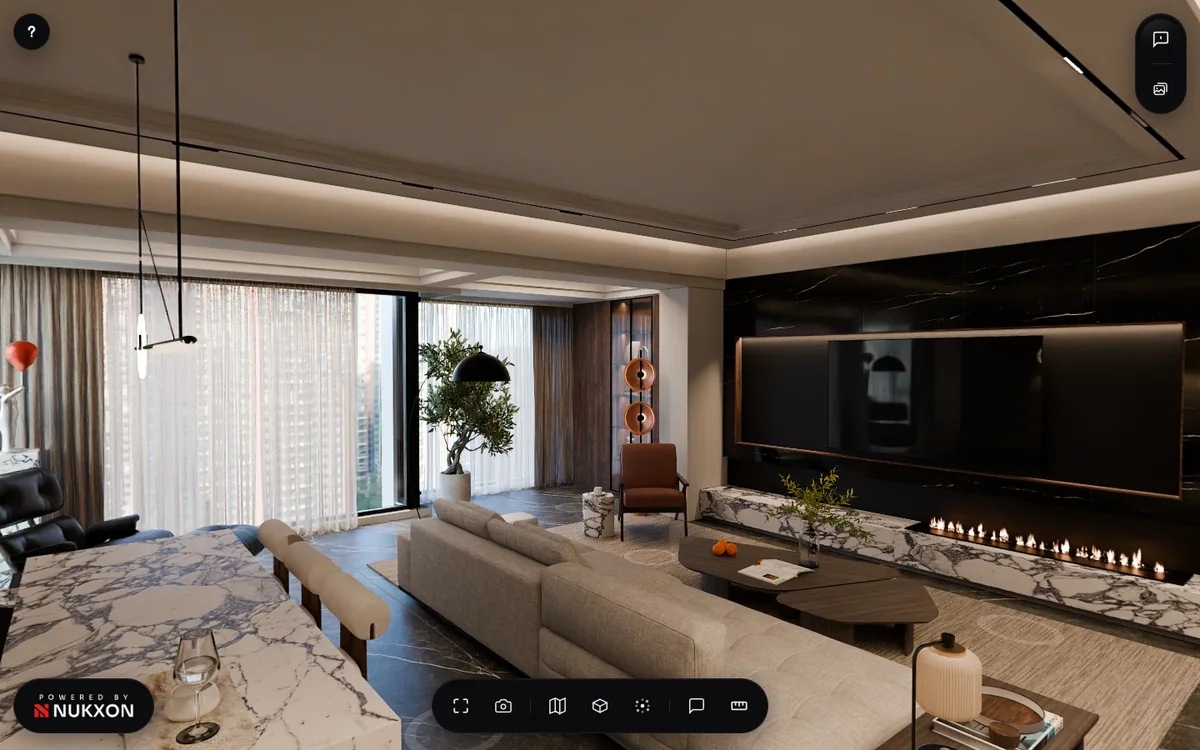
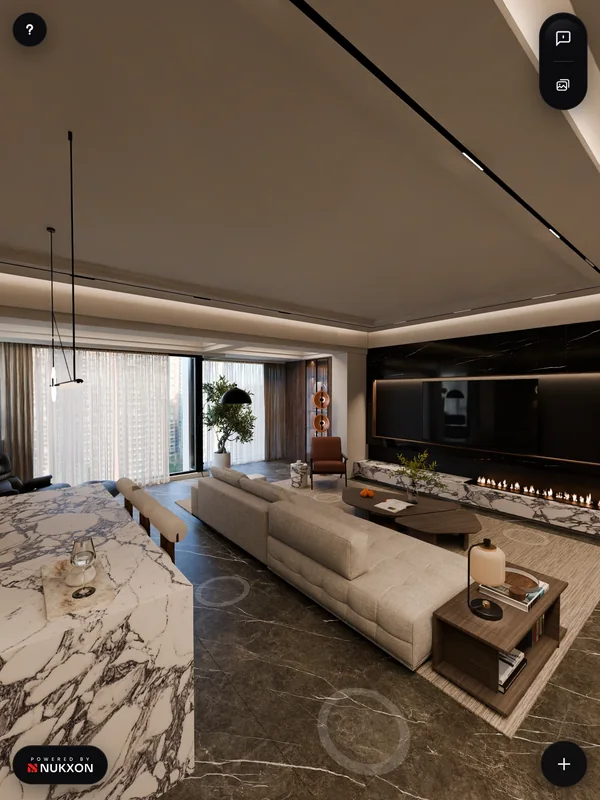
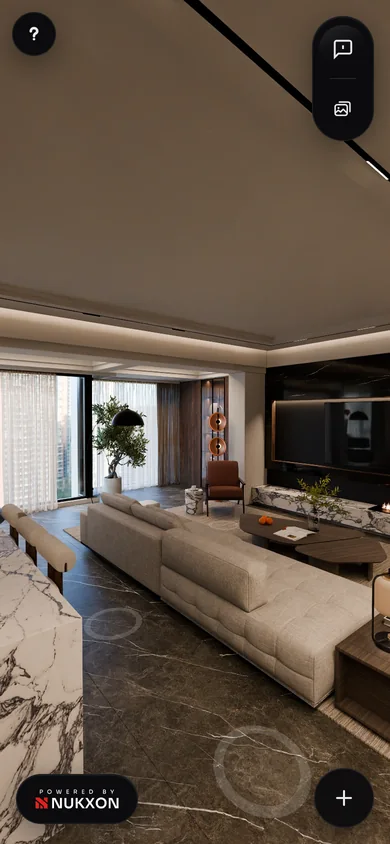
Stand at a hotspot and look all the way round. Drag to look, pinch or scroll to zoom.
01 / 08
Interiors, exteriors, objects and 4D scenes, each a Gaussian splat built from your renders, opened from one link.
Walk it like you’re there.
Walk room to room in a Gaussian splat built from your renders: stand and look around, walk anywhere, lift the roof off, read the plan, and leave notes right where they belong.
Explore interiorsStand at a hotspot and look all the way round. Drag to look, pinch or scroll to zoom.
Walk anywhere with W A S D or the on-screen stick. Hold Shift to run.
Lift the roof off and orbit the whole layout. Click a ring to drop back in.
A plan with a cone that turns with your view. Click a dot to jump.
A panel of named views. One click takes you there.
Pin a note to a wall, a finish or a fixture, in five colour-coded categories.
Distance, path, area and laser, true to scale, in metres or feet.
Hold the right mouse button and point at anything.
The building on its site.
Orbit the building, zoom in close, and the view always stays above the ground. Or make it walkable and look around it on foot.
Explore exteriorsDrag to go round the building on its site.
Pinch or scroll to get close, two fingers or right-drag to move across.
One button turns the building slowly, all by itself.
Spin it, then turn it in 3D.
Visitors drag through your rendered frames, then jump into the live Gaussian splat at the same angle and look at it from every side.
Explore objectsDrag through a ring of your rendered frames. It spins with momentum and stops on a frame.
One click turns the picture into the live Gaussian splat at the same angle. Then orbit it from every side.
One button turns it slowly, all by itself.
Scenes that move.
Render an animation and Nukxon turns it into a 4D Gaussian splat: smoke, dust, water, a car tearing up the road. Visitors orbit the scene while it plays.
Explore 4D scenesDrag to any moment. The time rides on the playhead.
0.25x, 0.5x, 1x or 2x from the playback menu.
Drag to go round the scene while it moves.
Pinch or scroll to get close, two fingers or right-drag to move.
One button turns the scene slowly while it plays.
Make the tour yours, right in the browser.
Choose where it opens, name your best views, pin links to other projects, script a guided walk and add your own logo and colours. No going back to your 3D tool, and no new render. For interior tours.
Pick the spot every visitor starts from, and preview it before you save.
Name the rooms that matter, so visitors jump straight to the living room or the kitchen.
Pin a link onto anything in the space: another project, your website, a product page.
Line up your best views, each with a caption. Visitors press play and get walked through.
Set the colour grade, add your logo and an intro card with your name.
Send a link, embed it, or put it in your portfolio. Your client needs nothing but a browser.
 ••••
 ••••
 ••••
Every Nukxon tour, object and scene runs on Nukxon Engine, built from scratch for Gaussian splats. It is why your work feels smooth on any screen, and why it stays yours.
The first 100 lock in today's pricing for good and get the closed beta first.
Founding price, about 25% off, for life. See the plans
We’ll email you a link to confirm, then only news about Nukxon and your beta access. Unsubscribe anytime. Privacy Policy